All disks are wiped. Copy everything you need elsewhere before reinstalling. Deleted data cannot be recovered; dor.net does not back up server contents.
When to use it
- Switching operating systems (for example from Ubuntu to Proxmox VE).
- Cleaning up a broken or compromised system.
- Losing the installation password or SSH access entirely.
Steps
- Open the server from the Servers list.
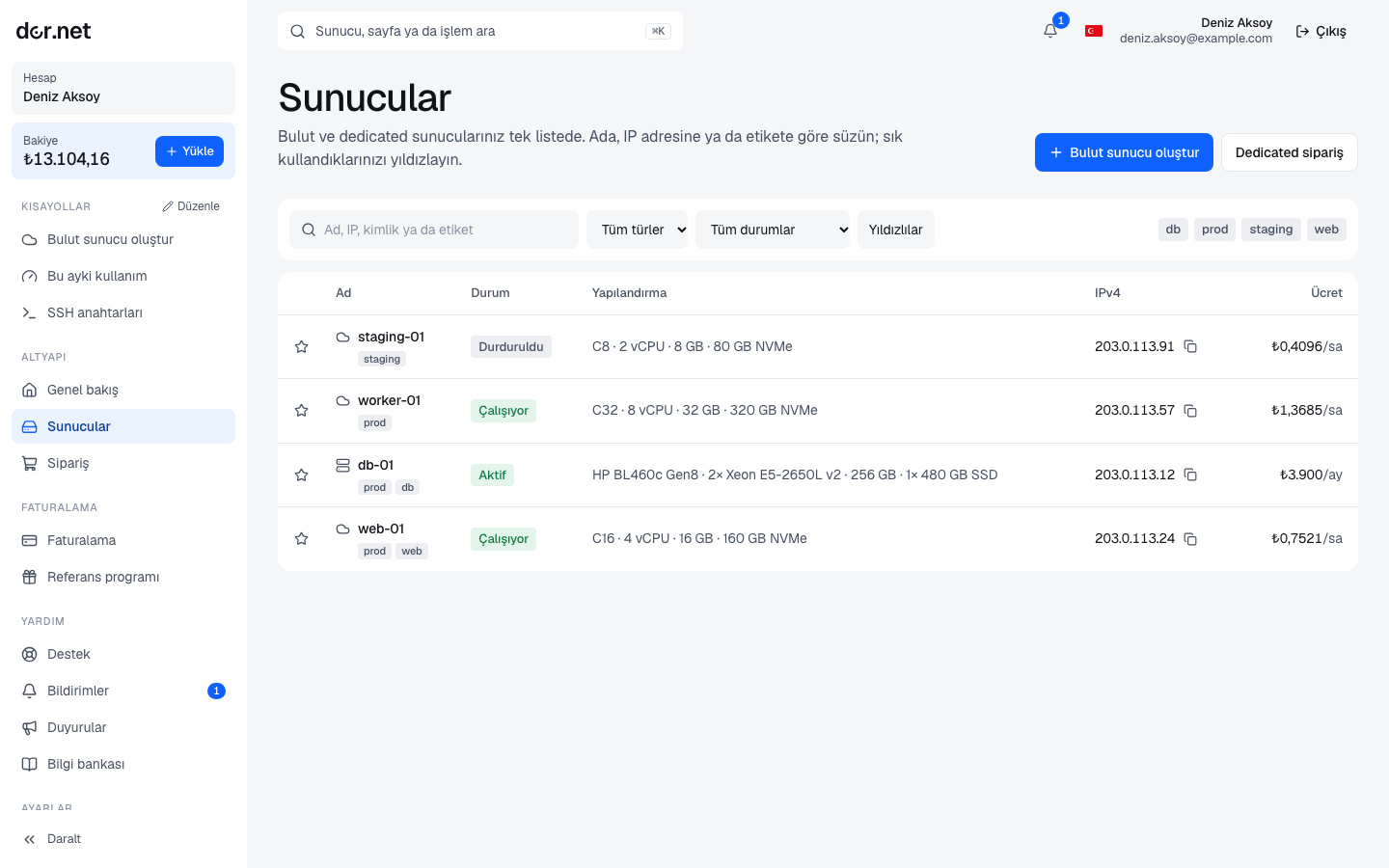
- In the Actions panel press Reinstall; the server must be Active (the button does nothing while a quote is pending, during installation or while suspended).
- Pick the operating system from the list and confirm.
- The server switches to Installing. Power actions are disabled meanwhile.
- When installation finishes the server is Active again, with a "reinstall" entry in the event log.
Supported operating systems
| System | Note |
|---|---|
| Ubuntu 24.04 LTS | general-purpose default |
| Ubuntu 22.04 LTS | if you need older package versions |
| Debian 12 | lean and stable |
| Proxmox VE 9 | virtualization node |
| Proxmox VE 8 | for compatibility with existing Proxmox clusters |
For a system not on the list (for example a custom ISO, or Windows Server with your own license) open a support ticket; we assist with the installation by hand.
After the reinstall
- A new installation password is generated; you see it on the server page (account verification required).
- The server's SSH host key changes. Run
ssh-keygen -R <ip>on your computer, otherwise SSH shows a warning. - After logging in with the password, add your SSH key, disable password login, run the first updates and set up the firewall.
- rDNS records belong to the IP and are not affected by a reinstall.
- The renewal date and price do not change; reinstalling is free.
Cloud servers
Cloud servers have no reinstall button: create a new server with the same plan and image, move the data, then delete the old one. Billing for the deleted server stops in that hour and the IP address returns to the pool.