Currency
Each organization has a single balance currency: Turkish lira, euro or US dollar. It is locked with the first top-up; every later top-up and charge uses the same currency. Prices on the site are shown in all three, but orders are charged in your account's currency.
Topping up
From the Top up panel on the Billing page:
- Credit / debit card: a secure payment form opens; once confirmed, the balance updates instantly. A card payment that is not completed expires after one day.
- Bank transfer: you declare the amount and the sender name, send to the account details on the page and put the given reference code in the transfer description. Once our billing team matches the payment it is credited and you receive a notification. An unmatched declaration expires after 30 days. (This option appears only when a bank account is configured.)
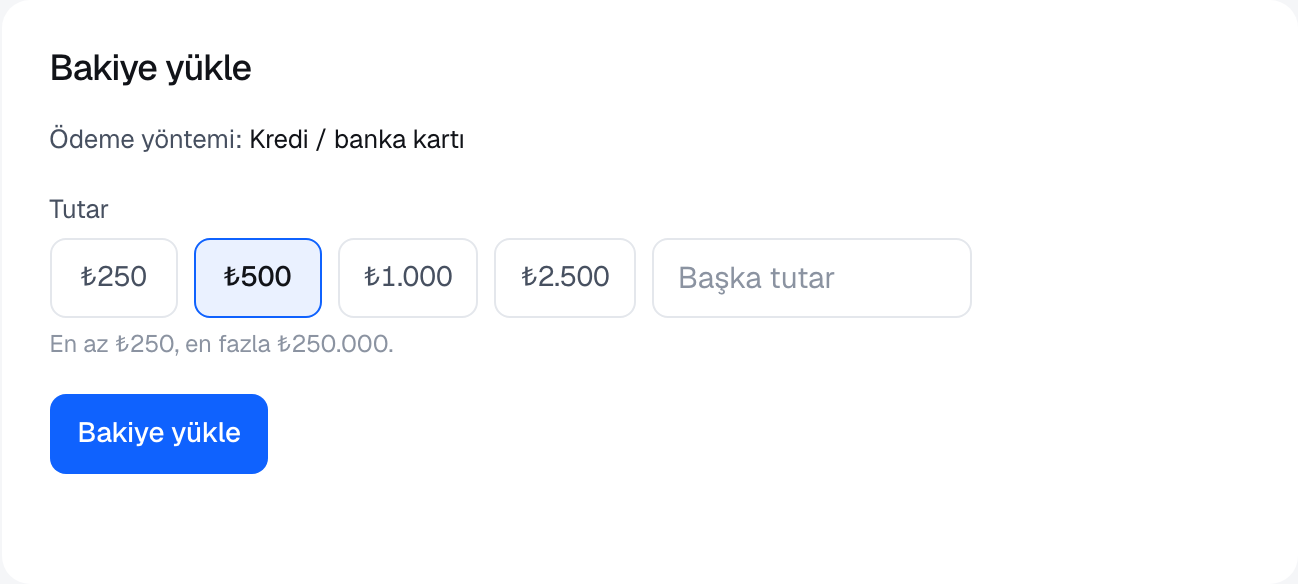
The minimum and maximum amount per top-up are shown in the panel. Every top-up produces a receipt, listed on the Billing page. A pending payment can be cancelled from the same page. Topping up requires the owner or admin role; a suspended account can still top up (to lift the suspension).
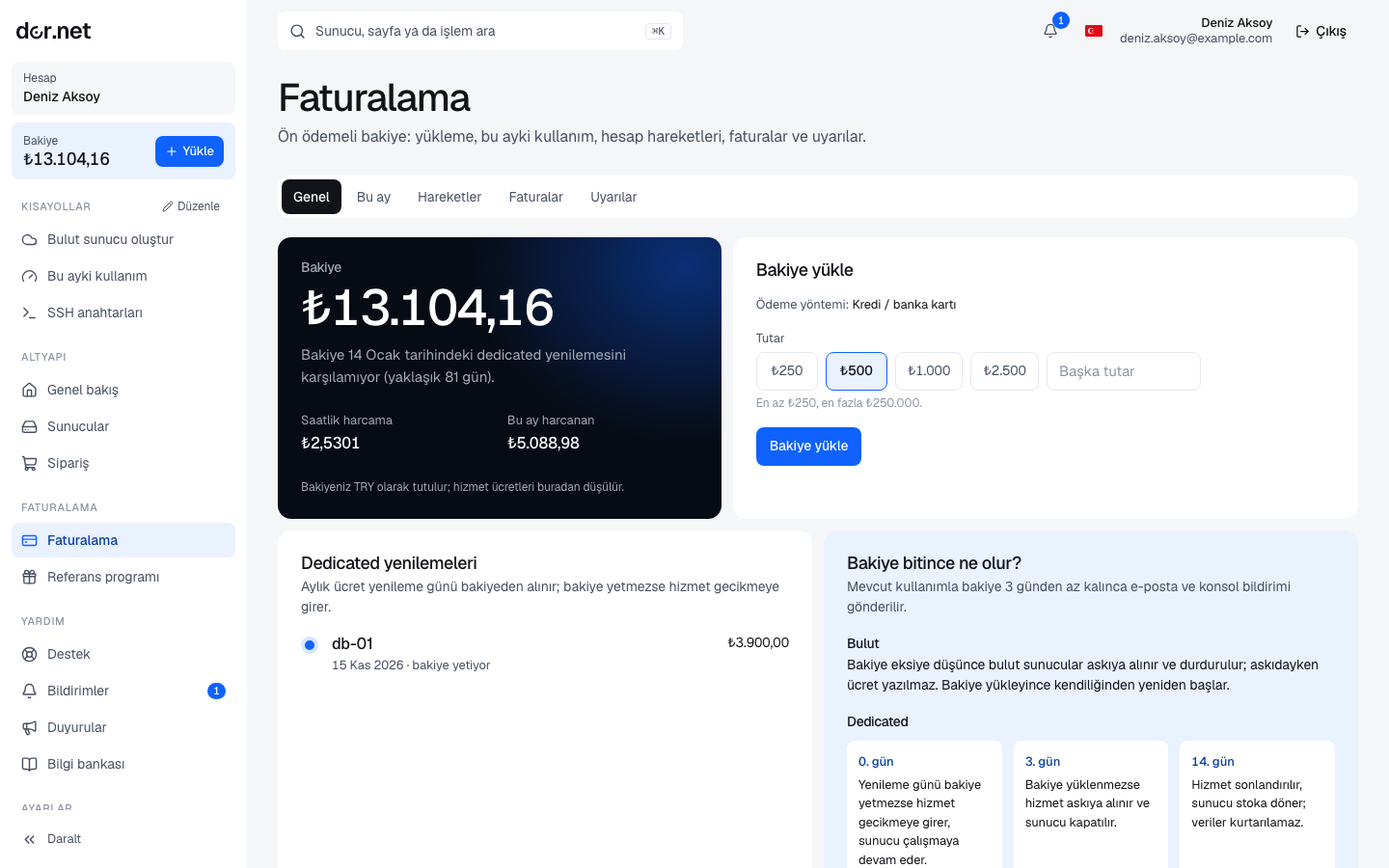
Dedicated servers: monthly fee
- At order time the first month (plus the setup fee on quoted orders, if any) is charged to your balance.
- Renewal happens automatically every 30 days, on the "Renews" date shown on the server page.
- If the balance is insufficient the service becomes past due; you receive a notification and a warning email. If no top-up arrives within 3 days the server is suspended and powered off. The moment you top up, the overdue fee is taken, the suspension is lifted and the server is powered on. 14 days after falling past due the service is cancelled, the server returns to stock and its disks are wiped.
- To stop at the end of the period, leave a cancellation request on the server page; it can be withdrawn until the renewal day. Details: Dedicated orders and delivery.
Cloud servers: hourly fee
- Each full hour is charged at the plan's hourly price (monthly price ÷ 730).
- A server that reaches 730 hours in a calendar month is not charged further that month, so the monthly price is a cap.
- A stopped server is still billed, because its disk and IP address remain reserved for you. Delete the server to stop charges.
- If the balance goes negative, running cloud servers are suspended; they restart automatically after a top-up. Details: Cloud hourly billing.
Low balance warning
If your balance will run out in less than 3 days at the current rate, you see a notification in the console and receive at most one email per day. The rate adds the last 24 hours of cloud usage and the daily share of dedicated monthly fees.
Documents
A document is created for every top-up and charge; all of them are listed on the Billing page and open as PDF. Document types, company details and official documents: Invoices, e-Invoice and PDF.
FAQ
- Can I get my balance back? Open a support ticket for unused balance; card top-ups are refunded to the same card.
- Can I change the currency? Yes, through support, once the balance is zero.
- My billing details are wrong: fix them on the Verification and Account pages; later documents use the new details.