
When you need it
- When sending email from the server (SMTP). PTR is a basic requirement alongside SPF and DKIM.
- For IRC, some game and API services and other systems that look up the connecting side's reverse record.
- To see a readable name instead of an IP in logs.
Forward DNS first
The PTR must match the forward (A/AAAA) record. First point the server's hostname to the IP in your domain's DNS:
mail.example.com.   A      203.0.113.10
mail.example.com. AAAA 2001:db8::10Confirm propagation:
dig +short mail.example.com
dig +short AAAA mail.example.comRequesting the record
rDNS records are currently set by our team. Under Support → New ticket choose the Technical support department and include:
Server: srv-01 (dedicated) or the cloud server name
IP: 203.0.113.10
PTR: mail.example.com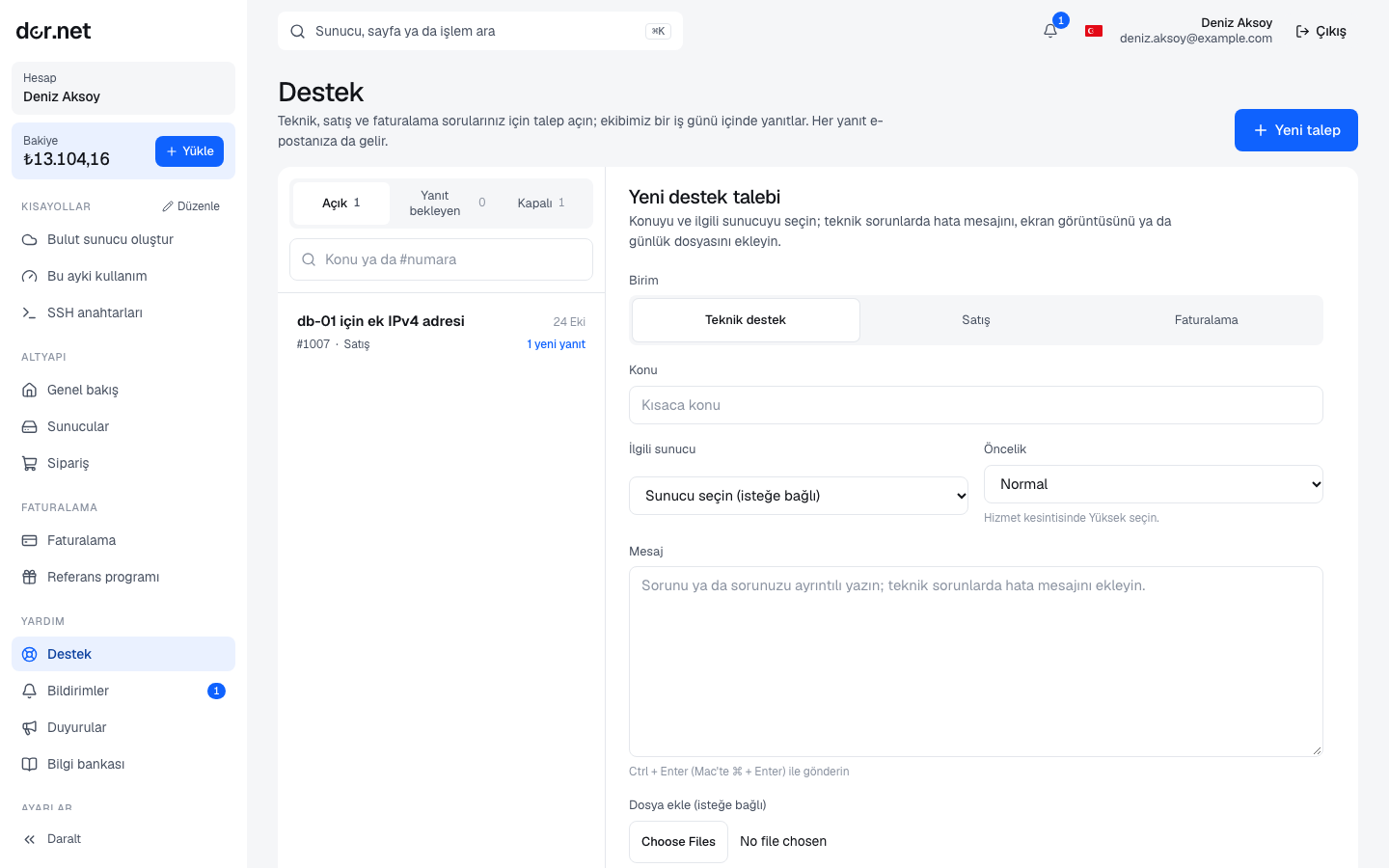
For several IPs, write one IP and name per line. The record is usually set within the same business day; you receive a notification and an email when the ticket is answered.
IPv6
A PTR can be set for the IPv6 address of cloud servers too; add the IPv6 address and the same name to the ticket.
Verifying
dig -x 203.0.113.10 +short
# mail.example.com.
dig -x 2001:db8::10 +short
# mail.example.com.Forward and reverse records should point at each other ("forward-confirmed reverse DNS").
FAQ
- How many PTRs per IP? One. If you host several domains, use the server's own name for the PTR (for example
mail.example.com). - Is it removed on reinstall? No; the PTR belongs to the IP.
- Mail is still rejected: besides the PTR, check your SPF, DKIM and DMARC records and that the IP is not on a blocklist.